
01
Lighting
Harsh or dim light changes shadows and can add or remove perceived years.
Use this free age calculator by photo to see how old you look. The AI age guesser runs on your device and returns an honest range — no upload, no signup.
Live analysis panel
Processed on your device — nothing is uploaded
Your photo
No photo yet
Upload a photo for the Age Calculator by Photo
Your result
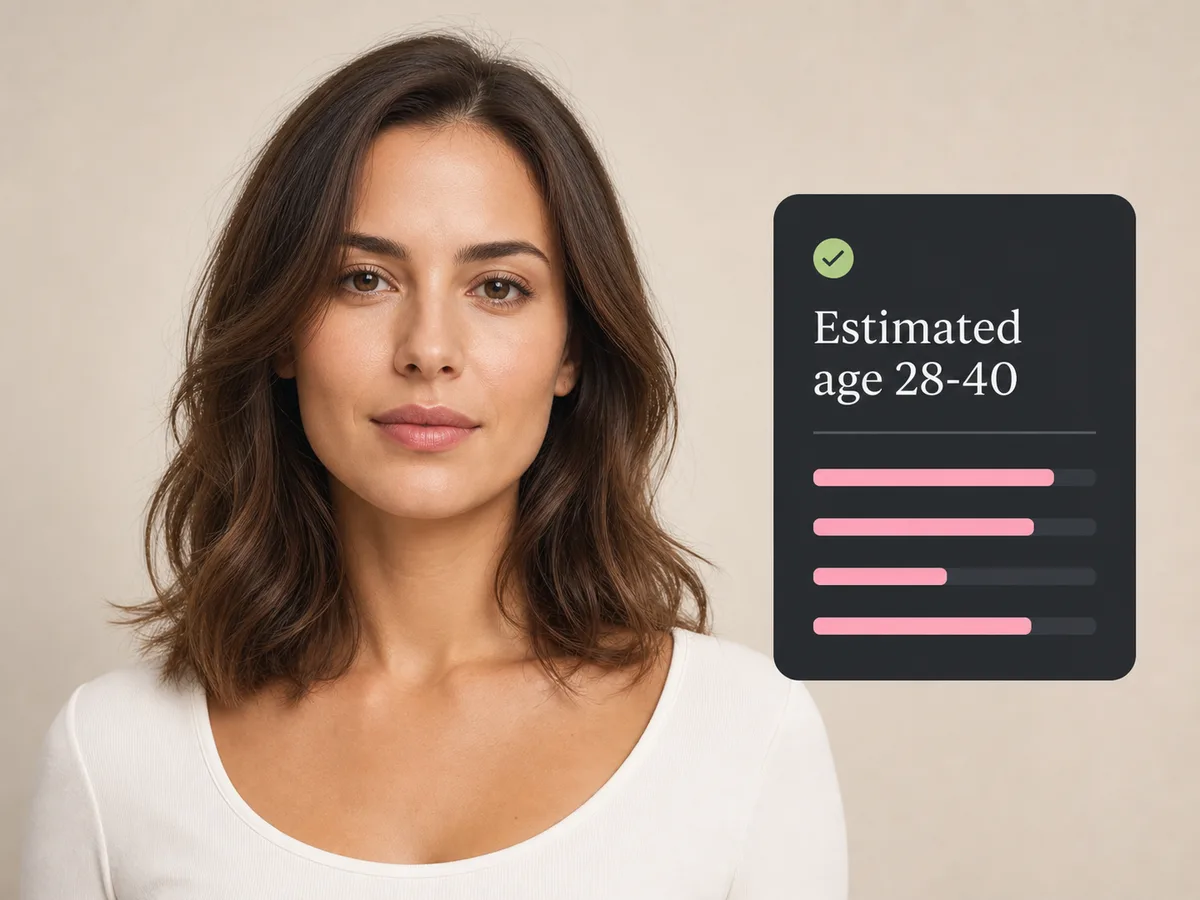
Upload a front-facing photo to see your result here — everything runs privately in your browser.
Age estimates are approximate and for reference only.
Why estimates vary
An age calculator by photo doesn't read your birth certificate — it reads pixels. These factors can shift the result.
Harsh or dim light changes shadows and can add or remove perceived years.
A tilted or off-center photo changes the face proportions the model uses.
Smiling and frowning change lines and contours that influence the estimate.
Makeup, facial hair, and hairstyle can all move the guess by several years.
Age prediction models estimate from appearance, and appearance is genuinely ambiguous — the same face can read differently in different light. A range is the honest way to present that uncertainty.
This age calculator by photo uses a neural network trained on labeled face photos. The network looks for patterns — skin texture, proportions, and facial features — and maps them to an age.
A good input photo removes avoidable noise so the age guess reflects your visible facial features rather than dramatic lighting or camera distortion. You do not need a studio portrait—just a clear, recent image with a natural look.
The returned range describes the ages most consistent with the visual patterns the model detects. It is not a probability that you are a certain age, and the midpoint is not a hidden exact answer. Read the whole interval as one approximate result.
Two photos of the same person can produce different estimates because the model analyzes pixels, not identity or a birth date. Camera distance, lens perspective, expression, grooming, and shadows can all change the patterns visible in a single frame.
Why this tool
This age calculator by photo runs a compact AI model on your device and returns a range — because age prediction is inherently uncertain.

The age model runs entirely in your browser — your photo is never uploaded.
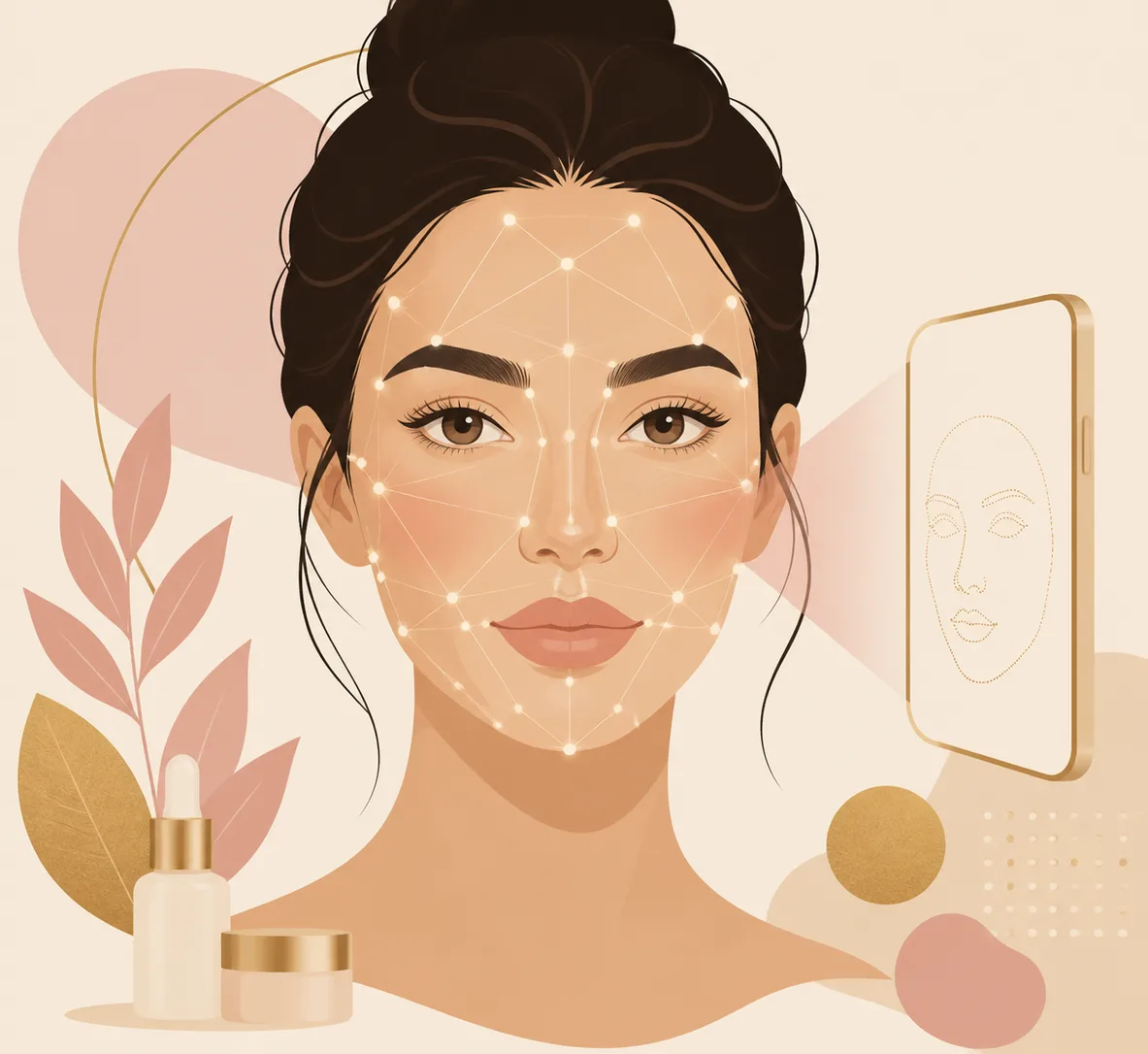
Age is estimated by a compact neural network that runs on your device, trained on labeled face photos.
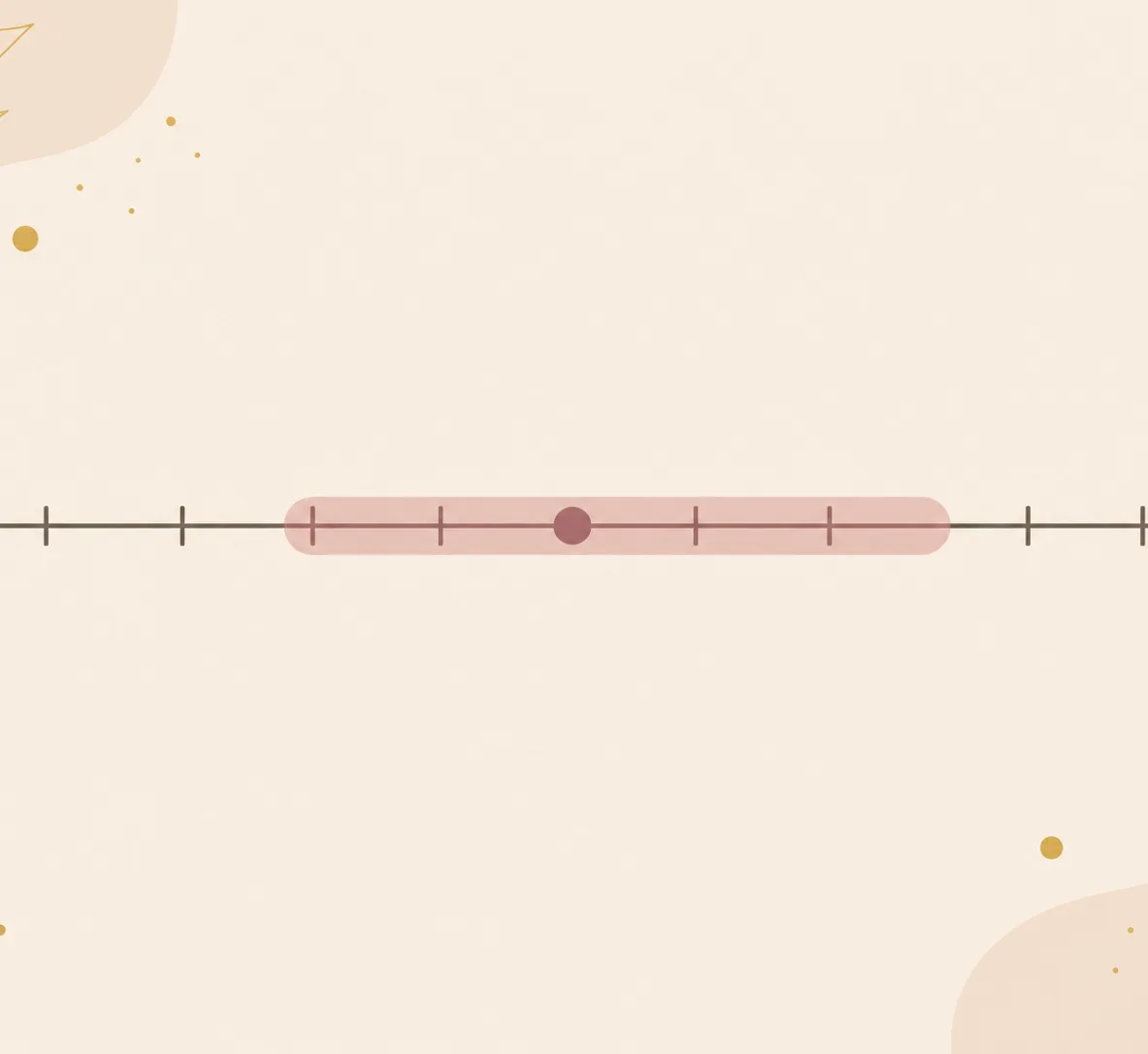
Age is uncertain — we show a range like 28–40 instead of a false-precise “32.4”.
A simple three-step process
A clear photo is all you need — analysis runs on your device, so nothing is uploaded.
Choose a front-facing photo with even lighting and your hair away from your face when possible.
Facial landmarks are mapped in your browser with on-device models — your photo never leaves your device.
Read your result with a clear explanation, then try the related face analysis tools.
Honest about the limits
It's a fun, honest estimate — not a test of how “old” you look.
Keep exploring
Once you understand one feature, explore another perspective with the other private face analysis tools.
Compare facial proportions and find the face shape that best matches your features.
Open this toolIdentify eye shape, brow type, and eye set from a clear front-facing photo.
Open this toolExplore nose type categories using visible landmarks and proportional cues.
Open this toolExplore facial balance and proportions with a reference-only AI analysis.
Open this toolFAQ
Featured on



